
Search engine advertising: tracking & measuring success
Why tracking is important
When you run advertising on Google, you invest money in clicks. But you can only judge whether this budget is worthwhile if you measure the results. Tracking provides the data you need.
Example:
- How many people saw my ad?
- How many clicked on it?
- How many enquiries or property valuations were generated?
Without tracking, your advertising budget flies blind – you do not know which ads work and which do not.
Take the time to carry out a clean initial setup. It requires a little effort once, but pays off in the long run.
How to set up tracking in Google Ads
To measure success, you must activate what is called conversion tracking. It shows which clicks lead to concrete actions – for example, a contact enquiry or a property valuation.
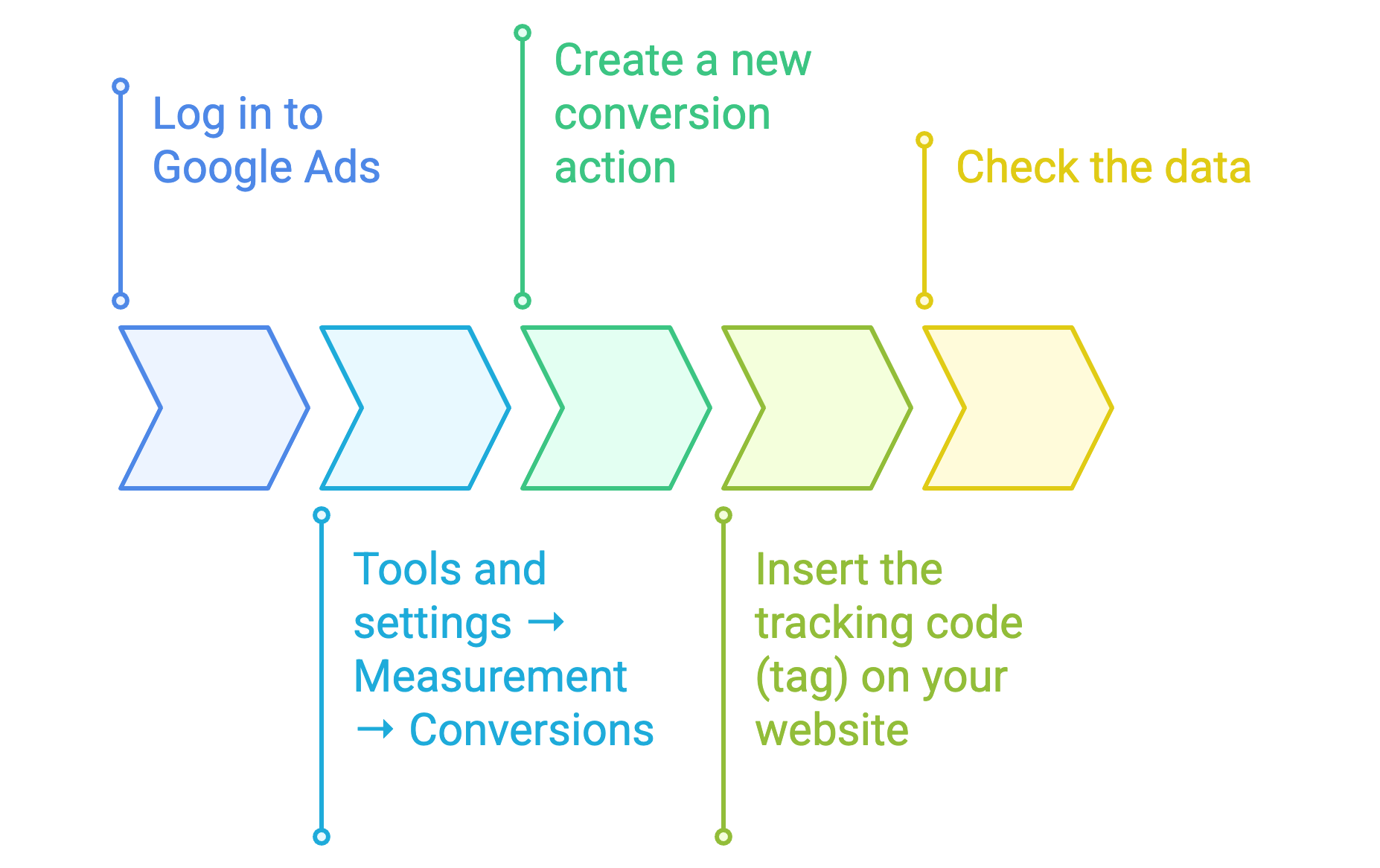
Steps at a glance:
- Log in to Google Ads via ads.google.com
- Select “Tools and settings” > “Measurement” > “Conversions”
- Create a new conversion action – e.g. “Valuation submitted” or “Contact form sent”
- Insert the tracking code (tag) on your website (e.g. via Google Tag Manager)
- Check the data: after a few days, first conversions should appear.
If you work with BOTTIMMO, you will find a detailed SEA tracking guide with step-by-step instructions in the Partner Area.
Download Google Ads Tracking Guide – BOTTIMMO-SEA-Tracking-Guide.pdf
The most important metrics (KPIs)
Once tracking is active, you can monitor various metrics – so-called Key Performance Indicators (KPIs). They show how well your campaign is performing and whether optimisation is needed.
| Metric | Meaning | Example |
|---|---|---|
| Impressions | How often your ad was shown | 5,000 times |
| Clicks | How often your ad was clicked | 250 clicks |
| CTR (Click-Through-Rate) | Ratio of clicks to impressions | 5% (250 clicks out of 5,000 impressions) |
| Conversions | Number of actions completed (e.g. property valuations) | 25 valuations |
| Conversion Rate | Ratio of clicks to conversions | 10% |
| Cost per Conversion | How much you pay on average per enquiry received | €20 per lead |
These values are essential to understand which ads work and which need improvement.
Reviewing success and optimising your campaigns
Once your campaign is running, the work is not over. To ensure your Google advertising remains successful, you should review and adjust it regularly.
a) Regular checks
- Review your results at least once a week:
- Development of impressions (are your ads still being shown?)
- Changes in clicks (is interest increasing or decreasing?)
- Behaviour of the conversion rate (are enquiries still coming in?)
Tip: Review your results on a daily, weekly and monthly basis. This helps you identify trends, seasonal changes or technical issues (e.g. rejected ads or payment problems).
b) Adjusting budget and bids
- Google Ads is based on an auction system. This means you compete with other agents for advertising space. Check regularly:
- Are your bids too low to achieve good placements?
- Is your daily budget sufficient to reach your goals?
- Are there keywords you are paying for that bring no results?
- If certain keywords are not relevant, you should exclude them to avoid wasting budget.
Example: If you pay for “buy flat Munich” but you actually want sellers, you should exclude this term.
c) Testing and documenting
- Optimisation means testing. Do not change too many things at once and document your adjustments:
- Date and type of change (e.g. “increased maximum bid”)
- Expected effect (e.g. “more leads within 30 days”)
- Actual result after 4–6 weeks
- This helps you understand what really works.
How much time should you invest?
Experience shows:
- Classic campaign: approx. 2 hours per week for analysis and optimisation
- Smart campaign: approx. 15–30 minutes per week
More important than the amount of time is consistency. Only those who monitor their campaigns regularly achieve good long-term results.
Expert tip
A Google Ads campaign is like a plant: it grows only if you look after it regularly.
- Check what you are spending money on.
- Regularly question whether the selected keywords really match your goals.
- Exclude irrelevant search terms to use your budget efficiently.
Support from partners
If you would like support, you will find certified experts in the BOTTIMMO Partner Area – for example, the agency RedCup. These partners take care of:
- Setting up tracking
- Ongoing optimisation of your campaigns
- Analysis and reporting
Summary
| Topic | Explanation |
|---|---|
| Tracking | Measures whether your Google ads are successful |
| Key metrics | Impressions, clicks, CTR, conversions, cost per conversion |
| Optimisation | Check regularly, test, adjust and document |
| Time required | 30 minutes to 2 hours per week |
| Goal | Use your budget efficiently and generate more qualified leads |
In short: Only those who measure and optimise their Google campaigns know whether the money invested is worthwhile. Tracking shows what works – and what can be improved.